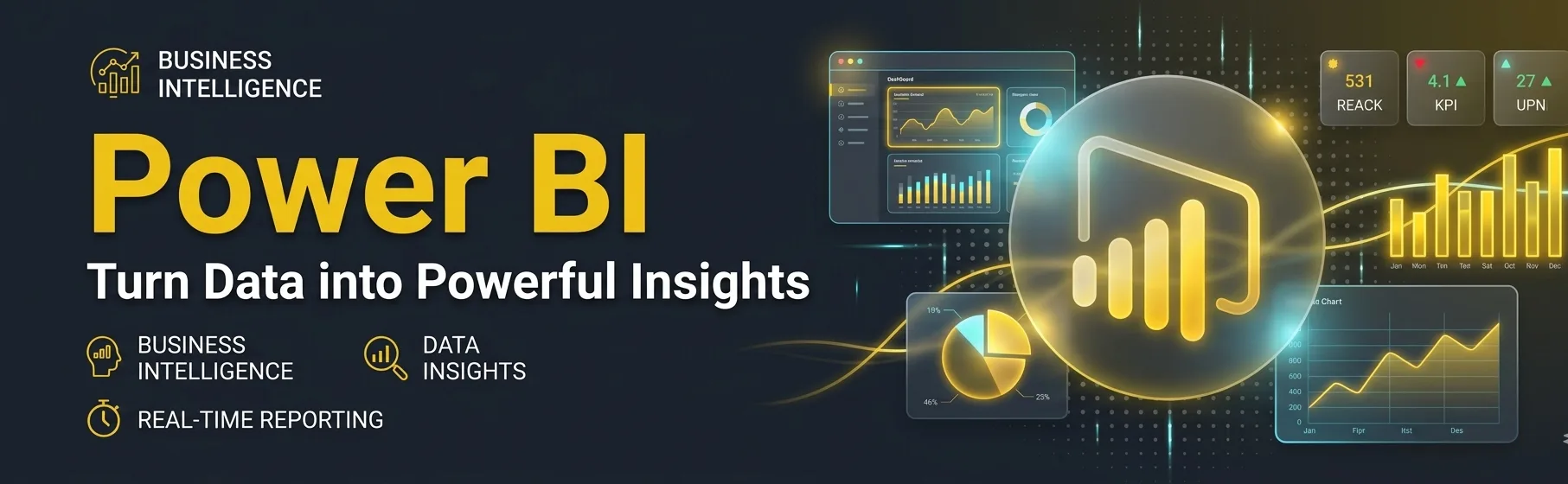
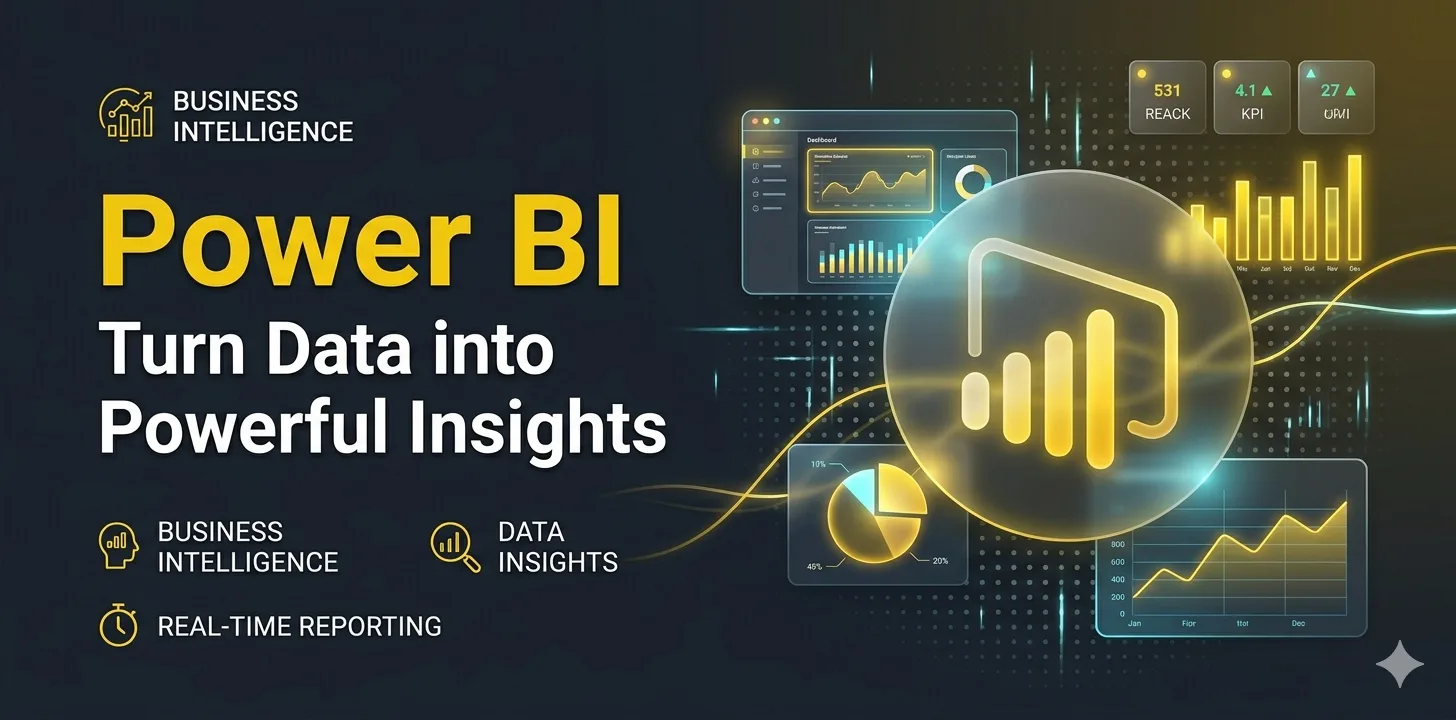
Turn data into powerful insights with Microsoft Power BI. Power BI is a leading business intelligence tool that helps organizations visualize data, create interactive dashboards, and make data-driven decisions. With its user-friendly interface and powerful analytics capabilities, Power BI enables professionals to transform raw data into meaningful reports.
This course provides a complete learning path to master Power BI, from data connection and transformation to advanced dashboard creation, helping you build a strong career in business intelligence and data analytics.
High Demand Skill: Power BI professionals are in high demand across industries.
Business Decision Making: Helps organizations make smarter, data-driven decisions.
User-Friendly Interface: Easy to learn with drag-and-drop features.
Real-Time Insights: Connect to live data sources and monitor performance instantly.
Integration Capabilities: Seamlessly integrates with Excel, SQL Server, and other data sources.
Interactive Dashboards: Create dynamic and visually appealing dashboards.
Data Transformation: Clean and shape data using Power Query Editor.
Advanced Analytics: Use DAX (Data Analysis Expressions) for powerful calculations.
Data Connectivity: Connect to multiple data sources like Excel, databases, and cloud services.
Cloud Sharing: Publish and share reports securely using Power BI Service.
Business Analytics: Track KPIs and business performance.
Finance: Monitor budgets, expenses, and financial trends.
Sales & Marketing: Analyze sales data and customer behavior.
Healthcare: Visualize patient data and operational metrics.
Retail: Inventory tracking and demand forecasting.
HR Analytics: Employee performance and workforce insights.
By the end of learning, learners will be able to:
Understand the fundamentals of Business Intelligence and Power BI
Connect and import data from various sources
Clean and transform data using Power Query
Create interactive dashboards and reports
Use DAX for calculations and data modeling
Publish and share reports using Power BI Service
Be job-ready for roles like Power BI Developer or Data Analyst


Real-Time Software Development
Hands-on Coding with Live Projects
Workshops on Latest Technologies
Industry-Relevant Learning
100% Placement Assistance
Real-Time Software Development
Hands-on Coding with Live Projects
Workshops on Latest Technologies
Industry-Relevant Learning
100% Placement Assistance
Real-Time Software Development
Hands-on Coding with Live Projects
Workshops on Latest Technologies
Industry-Relevant Learning
100% Placement Assistance
Real-Time Software Development
Hands-on Coding with Live Projects
Workshops on Latest Technologies
Industry-Relevant Learning
100% Placement Assistance
Real-Time Software Development
Hands-on Coding with Live Projects
Workshops on Latest Technologies
Industry-Relevant Learning
100% Placement Assistance
Real-Time Software Development
Hands-on Coding with Live Projects
Workshops on Latest Technologies
Industry-Relevant Learning
100% Placement Assistance
Real-Time Software Development
Hands-on Coding with Live Projects
Workshops on Latest Technologies
Industry-Relevant Learning
100% Placement Assistance
Real-Time Software Development
Hands-on Coding with Live Projects
Workshops on Latest Technologies
Industry-Relevant Learning
100% Placement Assistance
Real-Time Software Development
Hands-on Coding with Live Projects
Workshops on Latest Technologies
Industry-Relevant Learning
100% Placement Assistance
Real-Time Software Development
Hands-on Coding with Live Projects
Workshops on Latest Technologies
Industry-Relevant Learning
100% Placement Assistance
Real-Time Software Development
Hands-on Coding with Live Projects
Workshops on Latest Technologies
Industry-Relevant Learning
100% Placement Assistance
Real-Time Software Development
Hands-on Coding with Live Projects
Workshops on Latest Technologies
Industry-Relevant Learning
100% Placement Assistance
Real-Time Software Traning
Hands-on Live Projects
Workshops on Latest Technologies
Industry-Relevant Learning
100% Placement Assistance
No: #172, Raahat Plaza,
2nd Floor, Office No: 196 & 197,
Arcot Road, Vadapalani,
Chennai - 600026.
caddschool@gmail.com